How to Register as a Supplier on Kenya’s e-GP Portal
If you want to take part in public procurement that uses Kenya’s electronic Government Procurement system, start with a supplier profile. This guide covers that registration step only. A supplier profile does not make a tender bid compliant and does not guarantee an award.
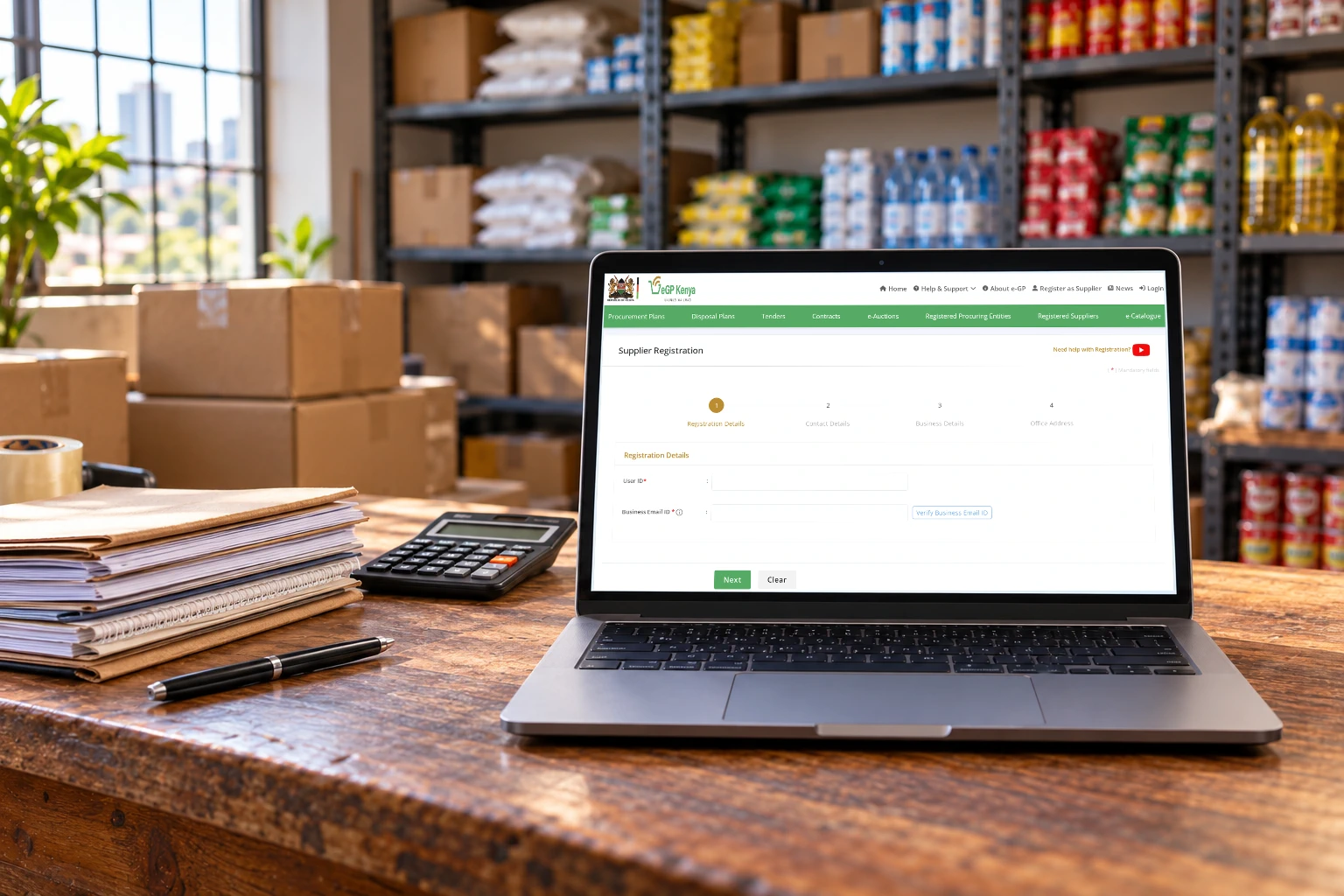
Prepare these records first
The live supplier-registration page asks for:[1]
- A valid company or business registration number maintained by the Business Registration Service (BRS).
- A Kenyan National ID number maintained by the National Registration Bureau (NRB).
- The KRA PIN for the business or individual.
- A certificate of registration, incorporation or compliance.
- An official mobile number and business email address.
The e-GP supplier guide says the person registering should be the owner, a director or a person authorised to act for the business, depending on its type. It warns that mismatches with BRS, KRA or National Registration Bureau records can prevent successful registration. Check the current form for any documents it requires from an authorised representative.[5]
Update your underlying BRS, KRA and NRB records before you begin. The portal checks supplier details against government records and warns that mismatches may lead to rejection.[1]
Complete the supplier form
- Open the official Supplier Registration page.[1]
- Prepare the identifiers requested by the form and make sure they match the relevant official records.[5]
- Follow the sections and sequence shown in the live form; do not rely on a fixed screen order if the portal changes.[1]
- Use details that match your official records, attach the documents the live form requests and save any confirmation the portal displays.
- If the records do not match or the submission status is unclear, stop and use the portal’s official help desk rather than guessing.[1]
Before you submit a bid
Supplier registration is not bid submission. e-Tendering is a separate e-GP service; its official description covers the wider tendering cycle, including online submission and evaluation.[3] Read the tender notice and its instructions each time. This guide does not invent upload buttons, file limits or approval times that the official registration page does not document.
Frequently Asked Questions
What records does e-GP ask for?
The current supplier page lists a BRS business-registration number, Kenyan National ID, KRA PIN, registration, incorporation or compliance certificate, and an official mobile number and business email. Check the live form before applying.
Does an e-GP supplier profile submit a tender bid?
No. Supplier registration is separate from e-Tendering. Follow the individual tender notice for its bid requirements and deadline.
Can a representative administer the account?
The e-GP supplier guide says the registering person should be the owner, a director or someone authorised to act for the business. Check the live form for the current authorisation documents for your business type.
Sources and review record
Basic supplier identifiers were verified on 28 October 2026 against the public registration route and the official government e-GP user guide (which was last updated by portal administrators on 4 September 2025). Check the live form for current fields, authorisation documents and screen order.
- e-GP Kenya — Supplier Registration (checked 2026-10-11)
- e-GP Kenya — Supplier registration service (Service 7) (checked 2026-10-10)
- e-GP Kenya — e-Tendering service (Service 8) (checked 2026-10-10)
- e-GP Kenya — Supplier Help Desk (checked 2026-10-11)
- e-GP Kenya — Supplier registration on e-GP: introduction (last updated 2025-09-04; checked 2026-10-12)
Stay updated
 Stay updated
Get the next guide in your inbox.