How to Retrieve Your KRA PIN: All Official Ways (2026)
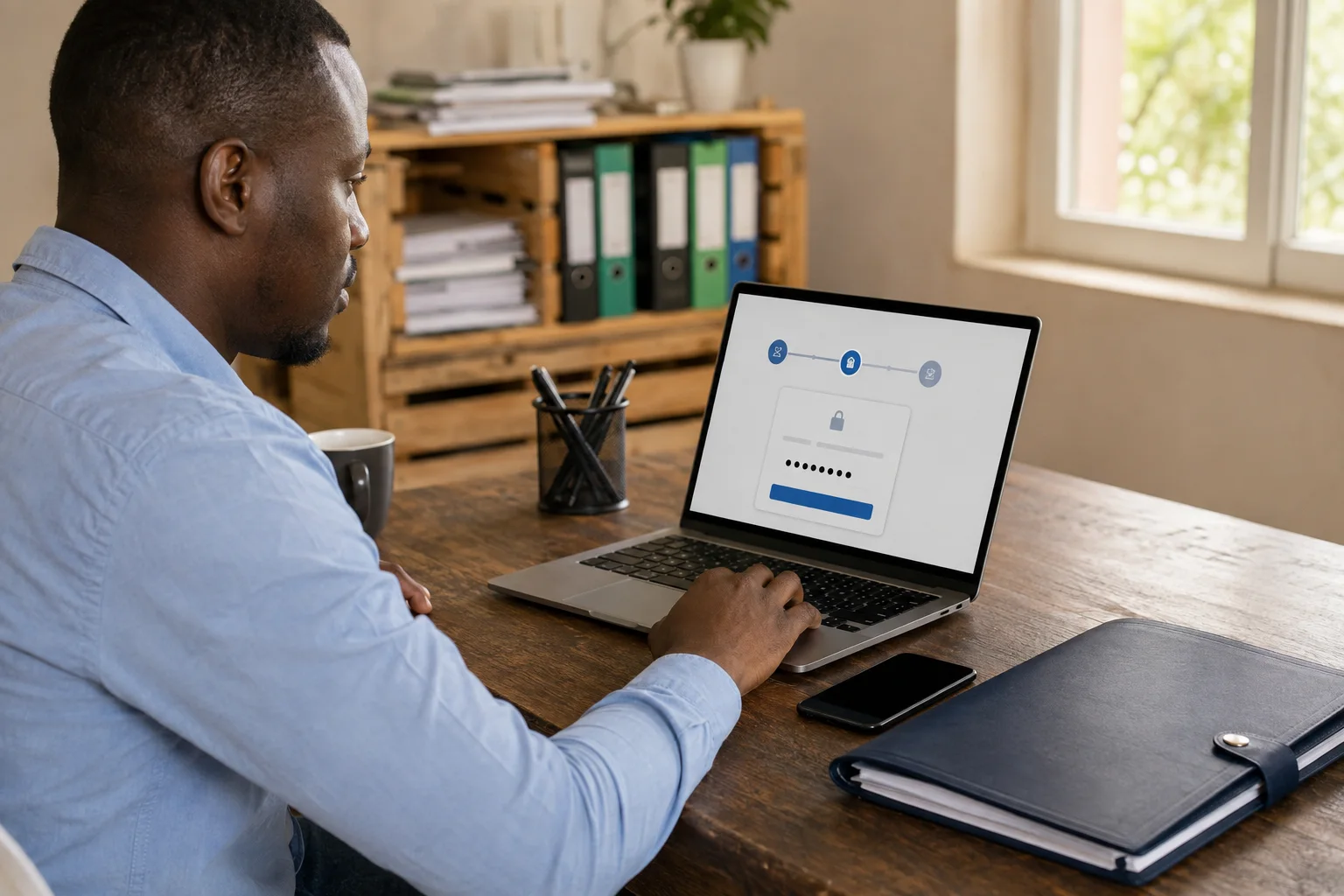
Your KRA PIN never changes — but people forget the iTax password (which locks you out of the PIN certificate), or simply lose the certificate file. The good news: KRA provides several official routes, including iTax, phone support and KRA offices. The route depends on whether you forgot the password, lost the certificate, or need your contact details updated.
Quick answers
- Forgot the iTax password? Use "Forgot password" on the iTax login — new credentials go to your registered email.
- Lost access to that email? Call KRA's self-service line (0711 099 999 / 020 4999 999) or update your details via KRA's data-correction process.
- Company PIN? It lives under the company's iTax account — the director/authorised person resets the company login.
- Forgotten the PIN itself? It is the same number KRA issued at registration — retrieve the certificate via iTax once logged in, or ask KRA on the official lines.
1. The most common case: you forgot your iTax password
- Go to the iTax login page (itax.kra.go.ke).
- Click "Forgot password".
- Answer the security stamp arithmetic (the simple math question shown).
- New login credentials are sent to your registered email address.
If your registered email is no longer accessible, use route 2 or 4 — you may need to update your contact details with KRA first (see "data correction" below).
2. KRA self-service phone lines (fastest when email fails)
KRA's self-service option retrieves your PIN over the phone by following automated prompts:
- 0711 099 999
- 020 4999 999
Have your ID number (or passport for foreigners) and your registered phone ready — the prompts guide you through verification.
3. KRA call centre & email support
- Call: 020 2390919 and 020 2391099, and 0771628105
- Email: Callcentre@kra.go.ke and DTDOnlineSupport@kra.go.ke
4. Visit the nearest KRA office
Bring your original ID (or passport) and, for company PINs, the certificate of incorporation and an authorising letter from the company. KRA staff can help unlock or reset the account after checking your identity and the account issue.
5. Data correction (your email or phone changed)
If your registered email or phone is outdated and you cannot receive credentials, KRA's published process is to email callcentre@kra.go.ke with your PIN and scanned colour copies of your original ID (or certificate of incorporation for companies) for data correction.
6. Downloading your PIN certificate once logged in
- Log in to iTax → Registrations → your PIN details → download PIN certificate.
- Company PINs are visible under the company's iTax account; directors' PINs appear under their individual accounts.
- Never share your KRA PIN, password or ID scans with anyone who contacts you — KRA does not ask for your PIN by phone or SMS.
- Only use the numbers, emails and portals listed on kra.go.ke.
- Beware of "PIN retrieval" websites that ask for your ID number and promise your PIN — your PIN is only retrievable through official KRA channels.
Frequently Asked Questions
Can I retrieve my KRA PIN using my ID number?
Yes — through KRA's official self-service line (0711 099 999 / 020 4999 999) and KRA offices, using your ID number for verification. There is no need for any unofficial website.
How long does the forgotten-password reset take?
The iTax "forgot password" route uses your registered email. Delivery and assistance times depend on the account checks, email service and office queues; an immediate reset is not guaranteed.
I lost access to the email my PIN is registered to.
Use the self-service line, or the data-correction process in section 5 to update your email, then reset the password.
Is my KRA PIN the same as my iTax password?
No. Your PIN is your permanent tax identification number. The iTax password is the login credential — forgetting it locks you out of viewing/downloading your PIN certificate, which is why the two are often confused.
Sources and update record
Updated 26 October 2026: Narrowed PIN recovery claims to verified official channels and retained account-safety guidance.
Stay updated
 Stay updated
Get the next guide in your inbox.