M-Pesa Business Automation & API Integration: The 2026 Kenyan SME Guide
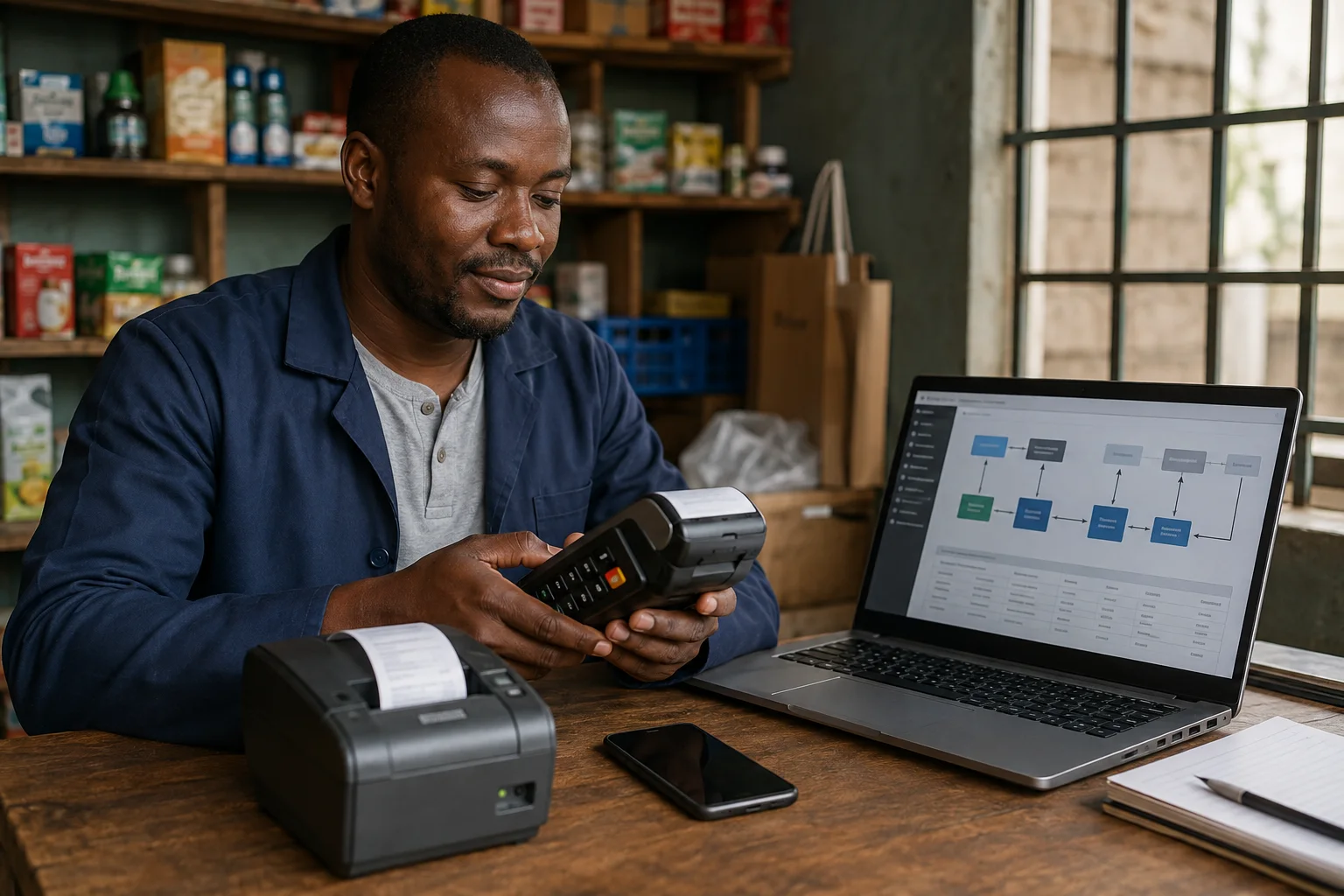
If you reconcile M-Pesa statements against sales records by hand, a suitable integration may reduce repetitive entry and help you review cash flow sooner. The available connection depends on your M-Pesa account, the provider and the software you use; confirm the specific features and limitations before choosing a setup.
This guide covers basic M-Pesa automation (C2B, B2C and reversals) through API integration with accounting tools. Organized transaction records may help you respond to a lender’s documentation request, but automation alone does not establish creditworthiness or guarantee finance.
1. Why M-Pesa Automation Matters in 2026
Time spent on manual reconciliation varies with transaction volume, record quality and bookkeeping process. Use your own recent month as a baseline: record reconciliation hours, corrections and missing references before estimating whether automation will save time.
The cost of manual processes:
- Time: Measure your current monthly reconciliation hours before selecting a tool.
- Errors: Track missing or mismatched entries in your own records; the rate varies by process and transaction volume.
- Delayed decisions: You can't react to cash flow problems you can't see
- Audit risk: Incomplete records create tax and compliance exposure
- Funding records: Organized transaction records can help when a lender asks for business documentation; its assessment criteria still apply.
The automation advantage:
- Real-time P&L visibility — Know your profit position daily, not monthly
- Automatic reconciliation — Every M-Pesa transaction matched to a sale
- Reduced errors — System-to-system transfer eliminates manual entry
- Faster tax compliance — eTIMS-ready records, accurate VAT calculations
- Bankable profile — Clean automated books make you fundable
2. M-Pesa Integration Options for SMEs
Option A: M-Pesa Daraja API (Direct Integration)
Best for: Tech-savvy businesses, e-commerce, SaaS platforms
Safaricom's Daraja API allows your systems to communicate directly with M-Pesa:
- C2B (Customer to Business) — Customers pay your till/paybill from their M-Pesa
- B2C (Business to Customer) — You pay customers (refunds, promotions, wages)
- B2B (Business to Business) — Pay suppliers or other businesses
- Reversals — Automated reversal of erroneous transactions
- Transaction status query — Check payment status in real-time
Requirements:
- Registered business with Safaricom M-Pesa business account
- Daraja developer account (free at developer.safaricom.co.ke)
- Technical setup (or developer assistance)
- SSL certificate for production
Cost: Free to register; transaction fees apply per Safaricom tariff
Option B: Accounting Software with M-Pesa Integration
Best for: Most SMEs — no coding required
Several Kenyan accounting platforms now offer built-in M-Pesa integration:
| Software | M-Pesa Feature | Price Range |
|---|---|---|
| QuickBooks Kenya | Auto-import M-Pesa transactions, categorization | KES 3,000–8,000/month |
| Xero + M-Pesa connector | Third-party connector available | KES 2,500–6,000/month |
| Wave (free) | Manual import; no direct M-Pesa link | Free |
| FreshBooks | Expense tracking; M-Pesa via bank feed | KES 2,000–5,000/month |
| Zoho Books | M-Pesa integration via Zoho Flow | KES 1,500–4,000/month |
| Sage | Enterprise-grade; M-Pesa via API | KES 5,000+/month |
How it works:
- Connect your M-Pesa business account to the software
- Transactions auto-import daily (or real-time via API)
- Software categorizes income and expenses
- Generate reports, track VAT, prepare for tax filing
Option C: Point-of-Sale (POS) with M-Pesa
Best for: Retail shops, restaurants, service businesses
Modern POS systems in Kenya integrate M-Pesa directly:
- VbyHilda — M-Pesa + inventory + reporting
- Biza — M-Pesa payments + business analytics
- Kopo Kopo — Merchant payment processing + analytics
- Pesapal — Payment gateway + M-Pesa + cards
- JamboPay — Multi-channel payments including M-Pesa
Benefits:
- Automatic receipt generation
- Inventory deduction on sale
- Daily sales summaries
- M-Pesa reconciliation built-in
Option D: Custom Integration via Third-Party APIs
Best for: Businesses with specific workflows
If off-the-shelf solutions don't fit, you can build custom integrations:
- PesaPal API — Payment processing + IPN (Instant Payment Notification)
- Flutterwave — M-Pesa + cards + bank transfers
- DPO Group — Multi-payment integration
- Cellulant — Enterprise payment rails
3. Step-by-Step: Setting Up M-Pesa C2B (Customer to Business)
This is the most common integration — allowing customers to pay your business via M-Pesa.
Step 1: Register on Daraja
- Go to developer.safaricom.co.ke
- Create a developer account (free)
- Create an app (select "Lipa Na M-Pesa Online" API)
- Get your Consumer Key and Consumer Secret
Step 2: Get Production Credentials
- Complete KYC verification on Daraja
- Submit business documents (certificate of registration, KRA PIN)
- Wait for approval (typically 3–5 working days)
- Receive production API credentials
Step 3: Implement the API
The C2B flow works as follows:
- Customer initiates payment on your platform
- Your system calls the STK Push API
- Customer receives M-Pesa prompt on their phone
- Customer enters PIN to confirm
- Safaricom sends callback to your server with transaction result
- Your system updates order/payment status
Key endpoints:
stkpush— Initiate payment requeststkpushquery— Check transaction statuscallback— Receive payment confirmation
Step 4: Test in Sandbox
Before going live:
- Use Daraja sandbox environment
- Test with provided test MSISDN numbers
- Verify callback handling
- Test error scenarios (insufficient balance, timeout, cancellation)
Step 5: Go Live
- Switch to production credentials
- Implement SSL (HTTPS required for callbacks)
- Set up monitoring and alerting
- Test with small real transactions first
4. Reconciliation: The Automation Payoff
Once M-Pesa is integrated with your accounting system, reconciliation becomes automatic:
Before automation:
End of month → Download M-Pesa statement → Open Excel →
Manually match to sales → Find discrepancies →
Spend hours investigating → File for tax
After automation:
Every transaction → Auto-imported → Auto-categorized →
Real-time dashboard → Exportable records for tax preparation and filing
What to reconcile:
- M-Pesa sales vs. recorded revenue
- M-Pesa payments to suppliers vs. recorded expenses
- M-Pesa float balance vs. bank balance
- Transaction fees (ensure correct tariff applied)
- Reversals and refunds
5. Security Considerations
When integrating M-Pesa with your systems:
- Never store customer M-Pesa PINs — Safaricom handles PIN entry
- Use HTTPS everywhere — API calls must be encrypted
- Validate callbacks — Match each callback to a pending request; confirm uncertain payments with the Transaction Status API
- Implement idempotency — Handle duplicate callbacks gracefully
- Monitor for fraud — Set up alerts for unusual transaction patterns
- Keep credentials secure — Store API keys in environment variables, not code
6. Cost of M-Pesa Automation
| Component | Cost |
|---|---|
| Daraja developer account | Free |
| SSL certificate | KES 0–5,000/year (Let's Encrypt is free) |
| Accounting software | KES 1,500–8,000/month |
| POS system | KES 500–3,000/month |
| Custom development | KES 50,000–500,000 (one-time) |
| M-Pesa transaction fees | Per the current Safaricom tariff (verify the applicable product and band before quoting a charge) |
ROI calculation: If automation saves 4 hours/month and your time is valued at KES 500/hour, that's KES 2,000/month saved — covering most accounting software costs.
7. What You Should Do This Week
- Audit your current M-Pesa workflow — How much time do you spend on reconciliation?
- Evaluate accounting software — Try free trials of QuickBooks, Xero, or Zoho Books
- Register on Daraja — Even if you don't integrate immediately, get familiar with the platform
- Document your M-Pesa transaction types — C2B, B2C, reversals, fees
- Talk to your accountant — Ensure your automation setup meets KRA requirements
Frequently Asked Questions
Do I need technical skills to automate M-Pesa?
No. Accounting software with built-in M-Pesa integration requires no coding. Only custom API integration requires technical skills.
Is M-Pesa API integration safe?
Yes, when implemented correctly. Safaricom's Daraja API uses industry-standard security. Follow the security guidelines above.
Can I integrate M-Pesa with my existing website?
Yes. Daraja provides APIs for web integration. You can also use payment gateways like Pesapal or Flutterwave that handle the complexity for you.
What happens if the M-Pesa API goes down?
Implement fallback mechanisms. Most integrations queue transactions and retry. Always have a manual payment option as backup.
Sources and update record
Updated 26 October 2026: Removed unsupported time-saving and discrepancy claims and clarified automation and tax-filing limits.
Provider and date note: Rates, limits, fees, availability and product terms can change by provider, product and date. Treat figures here as guidance, check the dated first-party source above, and confirm the current schedule before acting.
Stay updated
 Stay updated
Get the next guide in your inbox.